Share. Sync. Remember.
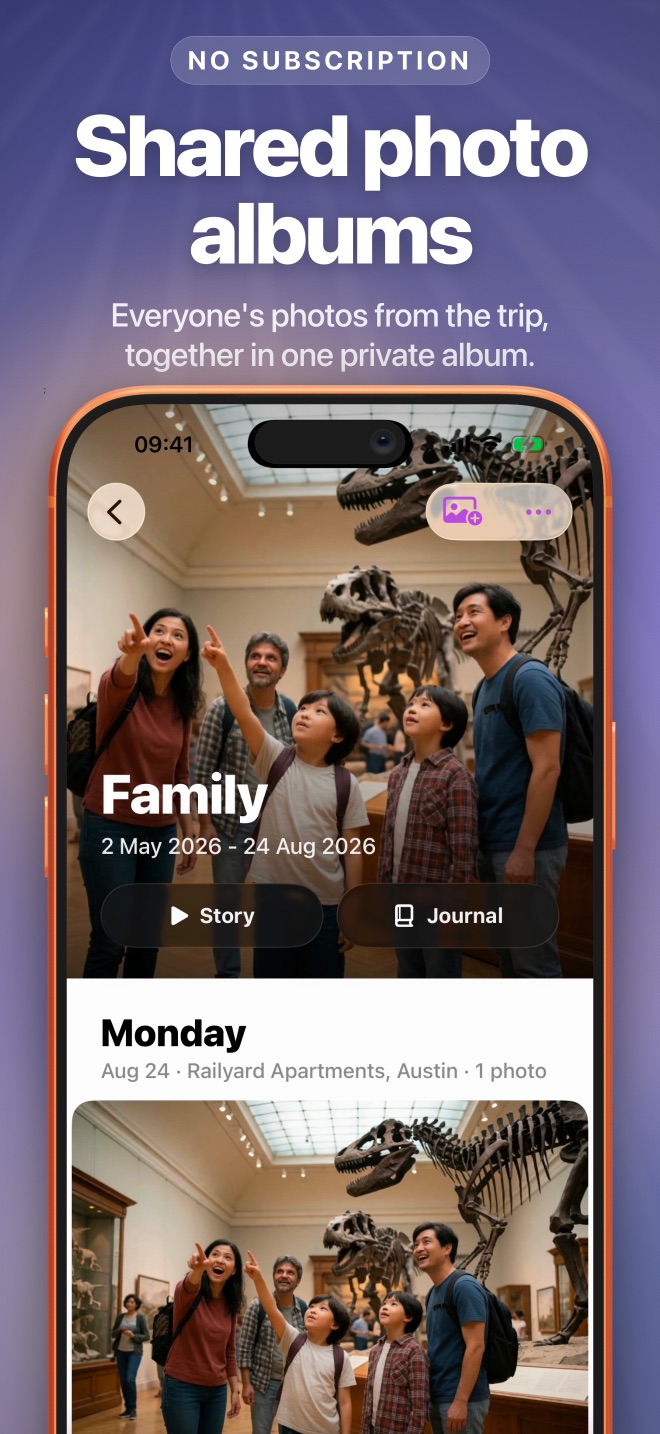
Shared albums for your family and friends, kept in your own iCloud. Everyone adds their photos, reacts and comments, and the album becomes a video story and a journal.
In sync.
The album Sara made is the album Mom sees. Same photos, same order, on both iPhones, through iCloud.
- Full quality. Originals, Live Photos, videos and HDR, never re-compressed.
- Everyone adds. Photos anyone adds show up for the whole album.
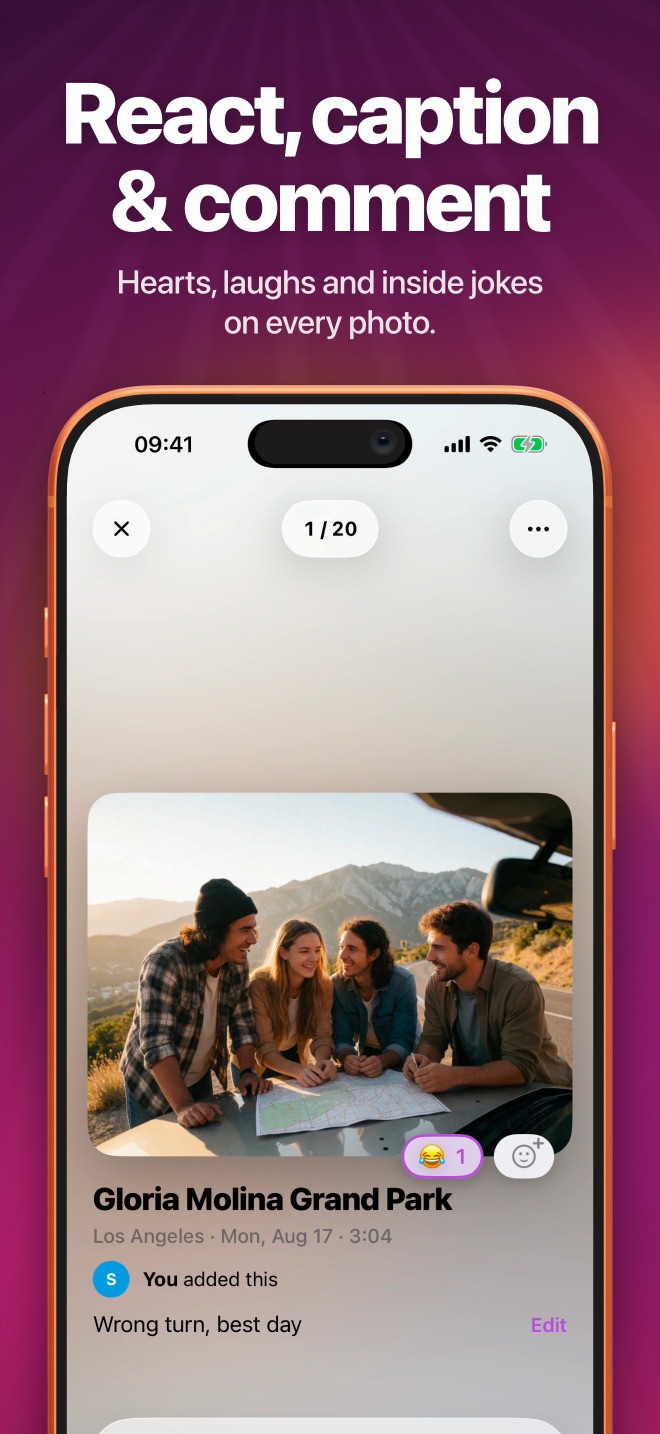
- Then react. Any emoji, captions and comments on every photo.
- Every device. iPhone, iPad and Mac, with no account to make.
Remember.
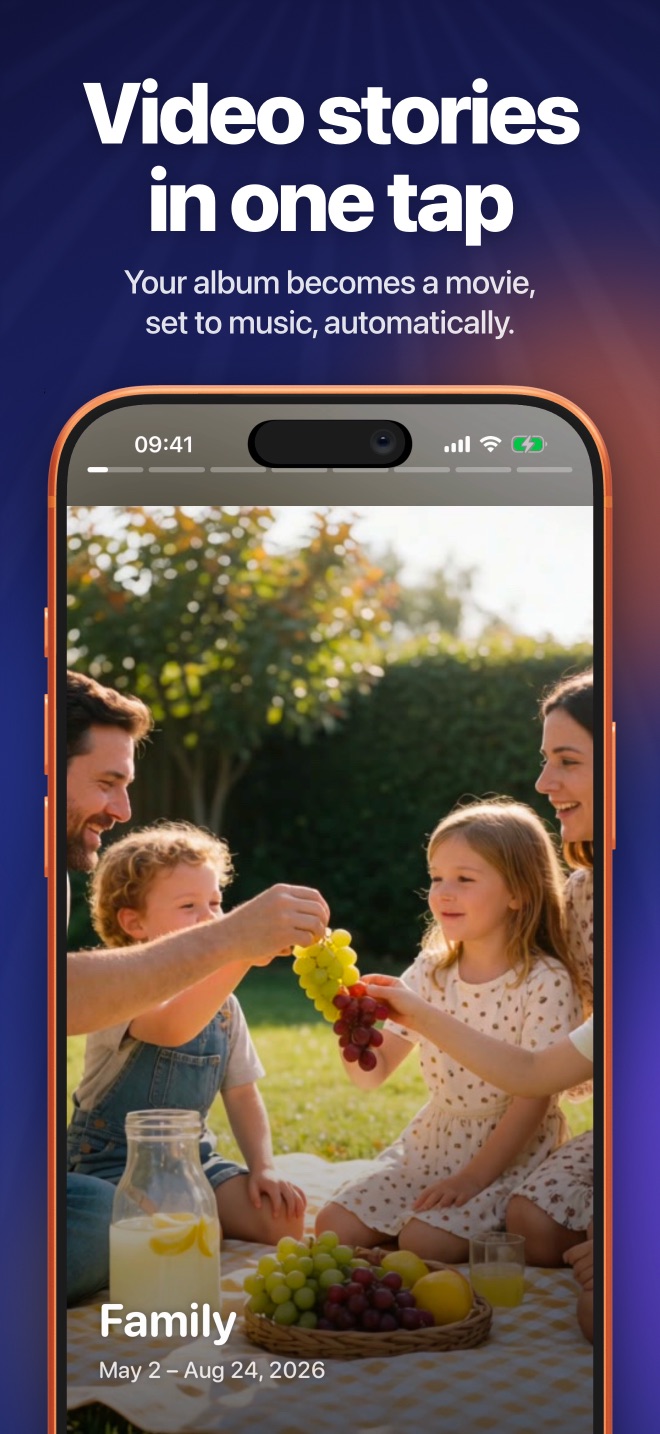
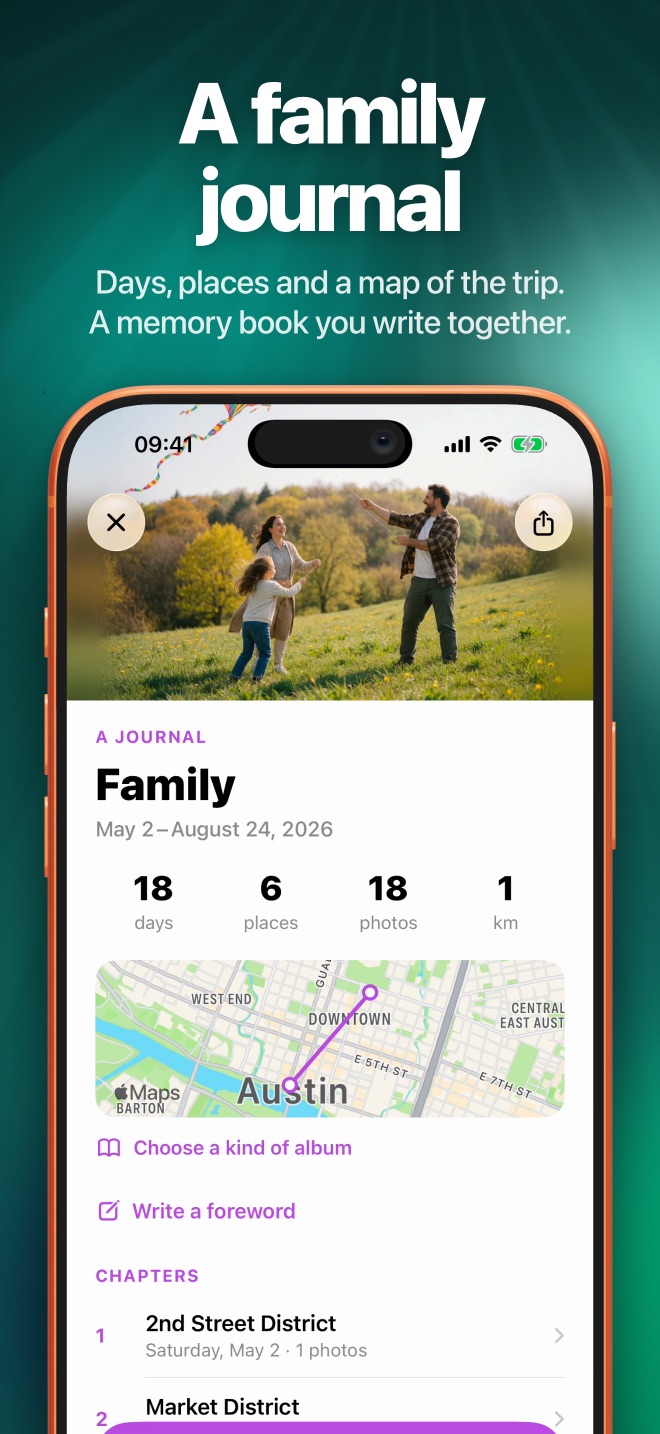
One tap turns an album into a video story set to music. And the new Journal turns it into a memory book you write together.
- Stories. Short or Long, your highlights or SyncAlbum's picks, Live Photos and videos included.
- Your music. SyncAlbum's tracks or a song from Files. Drag the waveform to the part you want.
- Journal. Days, places, a map, chapters and voice notes transcribed on your iPhone.
- Keep it. Save the story to Photos, or export the journal as a photobook PDF.
Private.
SyncAlbum has no servers of its own. Albums move between your people through Apple's iCloud alone, and orbitaar never sees a photo.
Everything in its place.
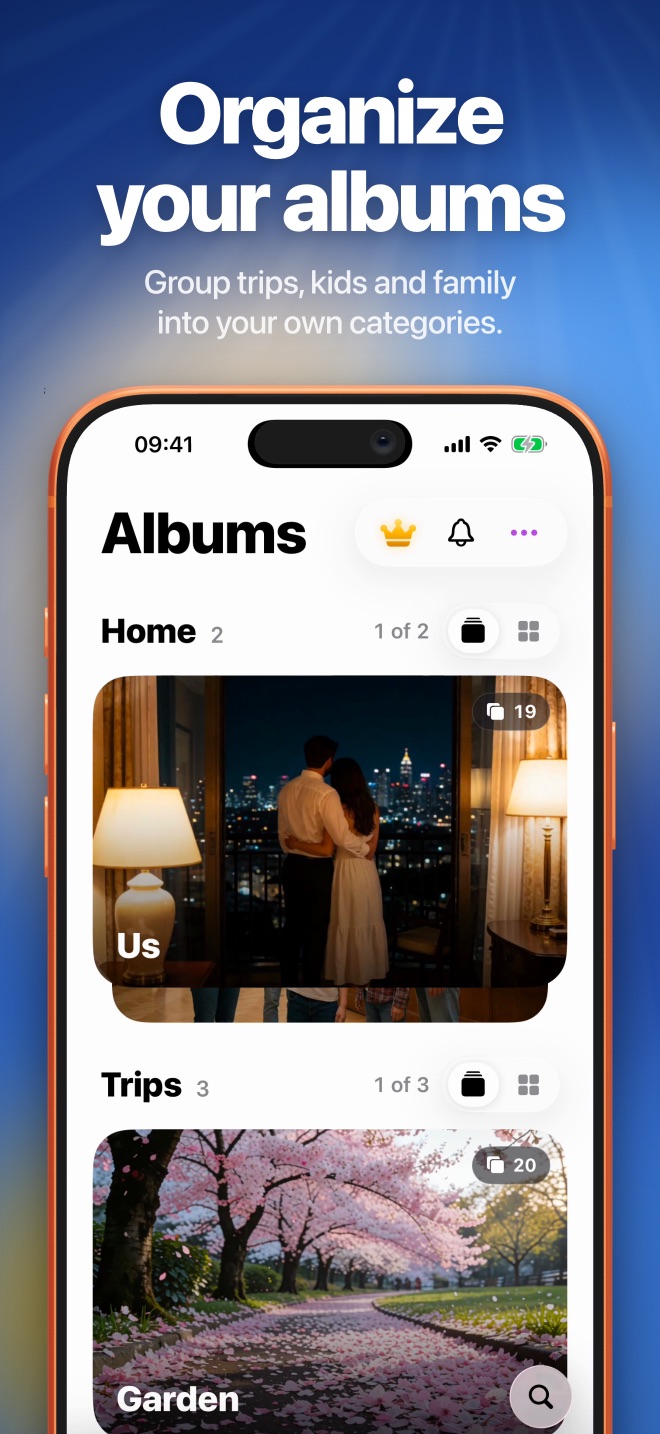
Your categories
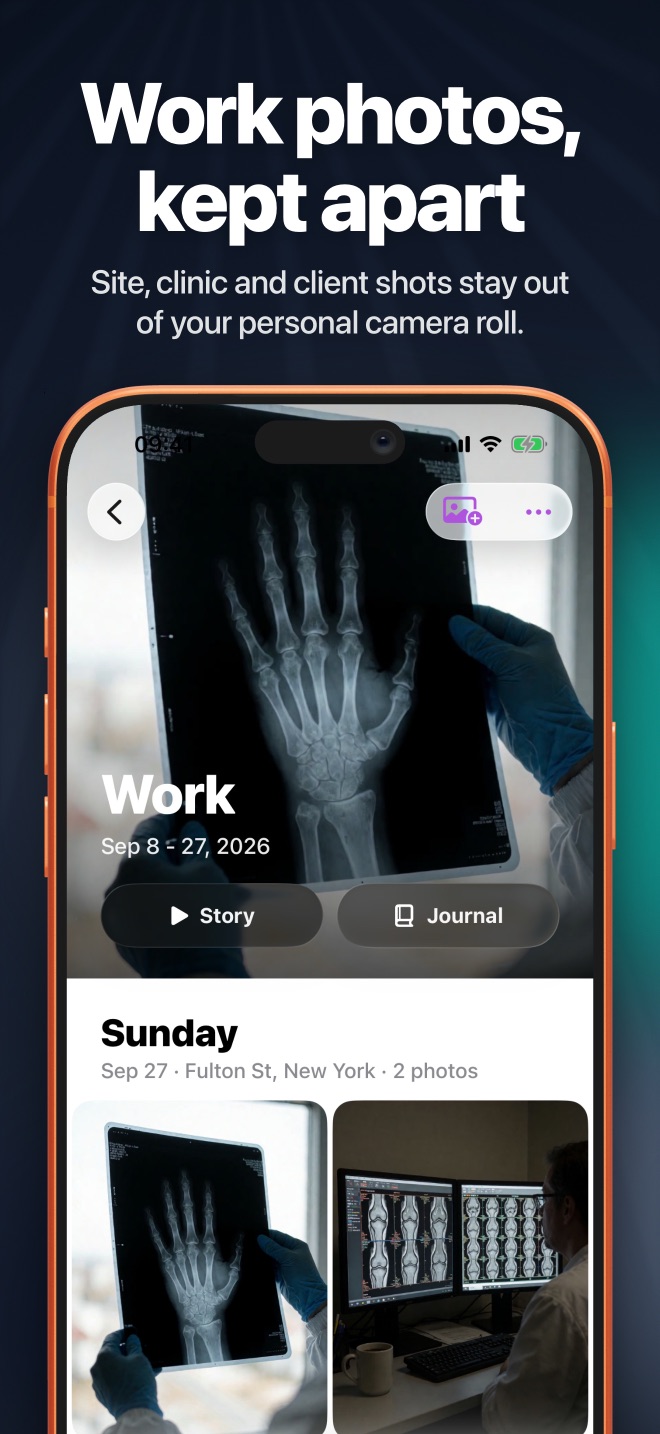
Group albums into Home, Trips, Kids, Work, or anything you like.
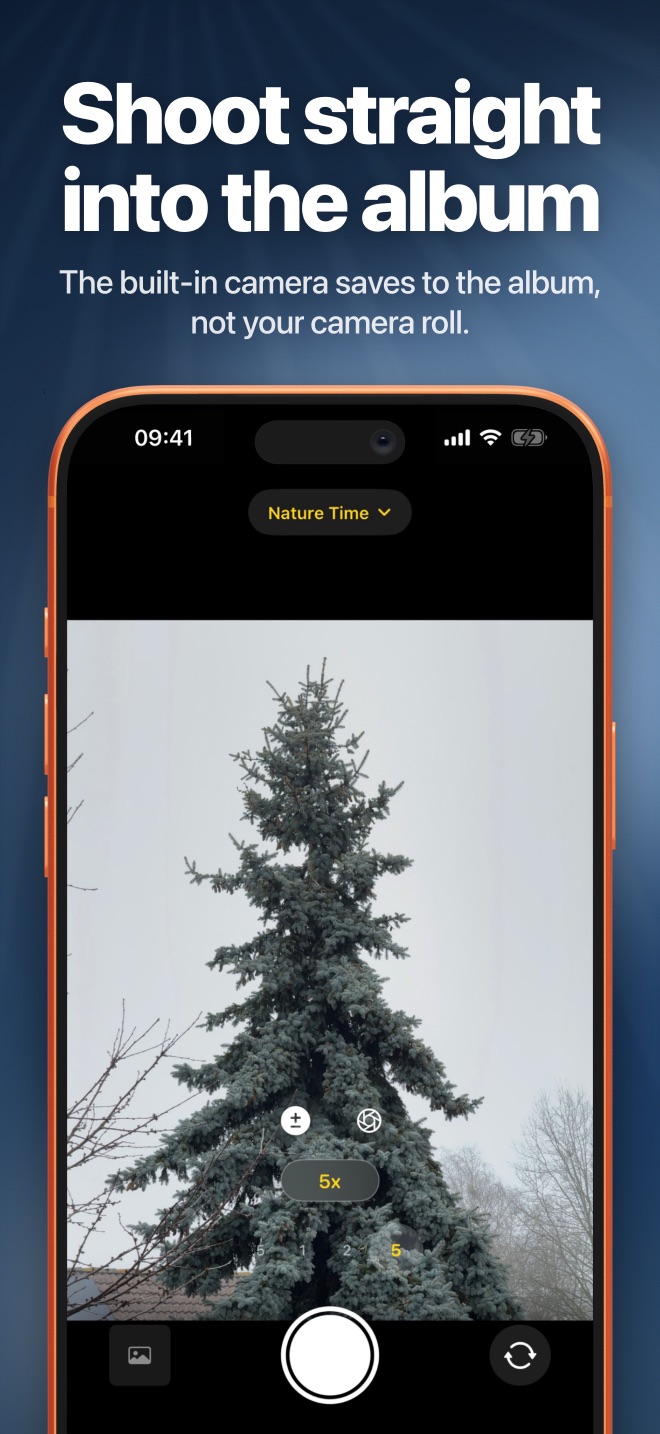
A camera that files
Shoot straight into an album instead of the camera roll.
Full quality
Live Photos, videos and HDR, as full-resolution originals.
From any app
Add photos and videos from the share sheet, or import from Files.
Find it
Search every album, even with a typo.
iPhone, iPad, Mac
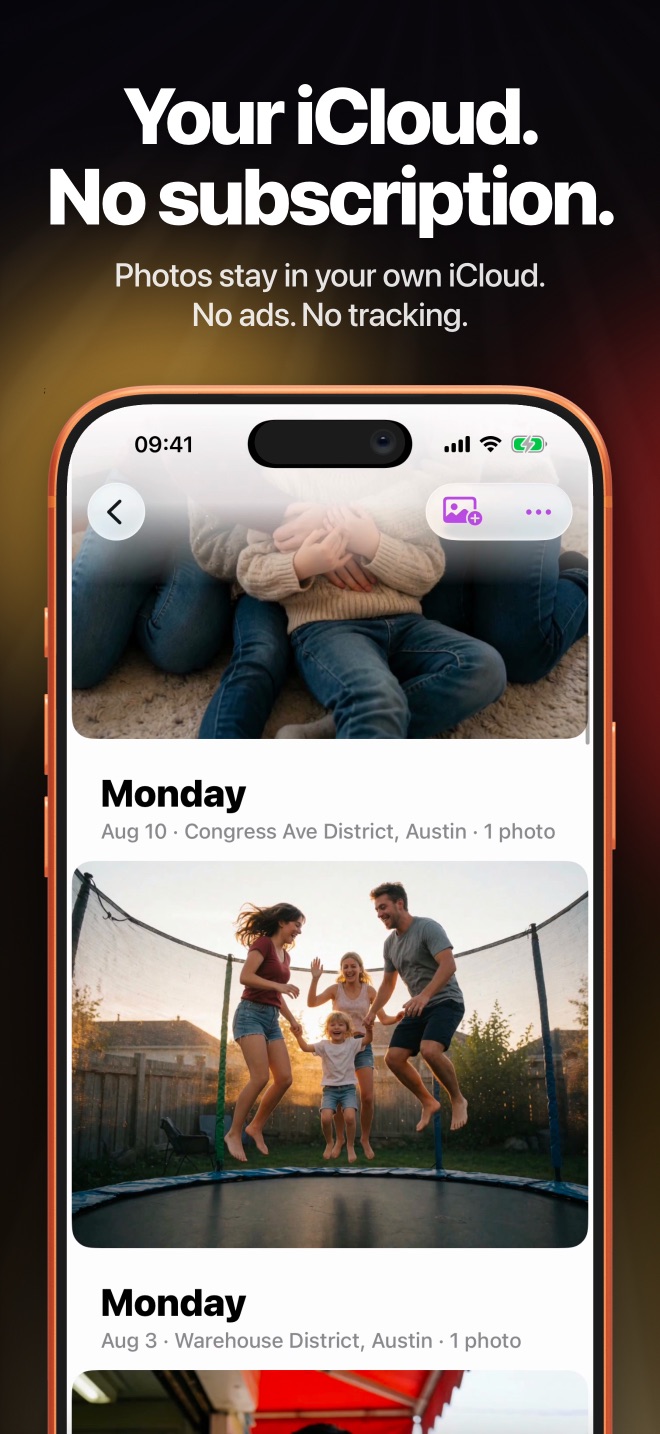
Your albums follow you through iCloud. No ads, no tracking.
Take a closer look.
No subscription. Ever.
Your memories never disappear because a payment lapsed. This is the pricing since SyncAlbum 4.0.
Free
Free download
- 3 shared albums of your own
- Up to 10 friends join each album free
- Joining other people's albums is always free
- Private albums don't count
- Stories, Journal, reactions and comments
Unlimited Albums
One-time purchase
- As many shared albums as you like
- Pay once, keep it forever
- Restore it on your other devices
- Bought credits before? It's already yours
Know what it's for.
Great at
- Family albums, trips, weddings, birthdays and a baby's first year
- Getting everyone's photos of one day into one place, in full quality
- Reacting, captioning and commenting with the people who were there
- Turning an album into a video story or a printable photobook
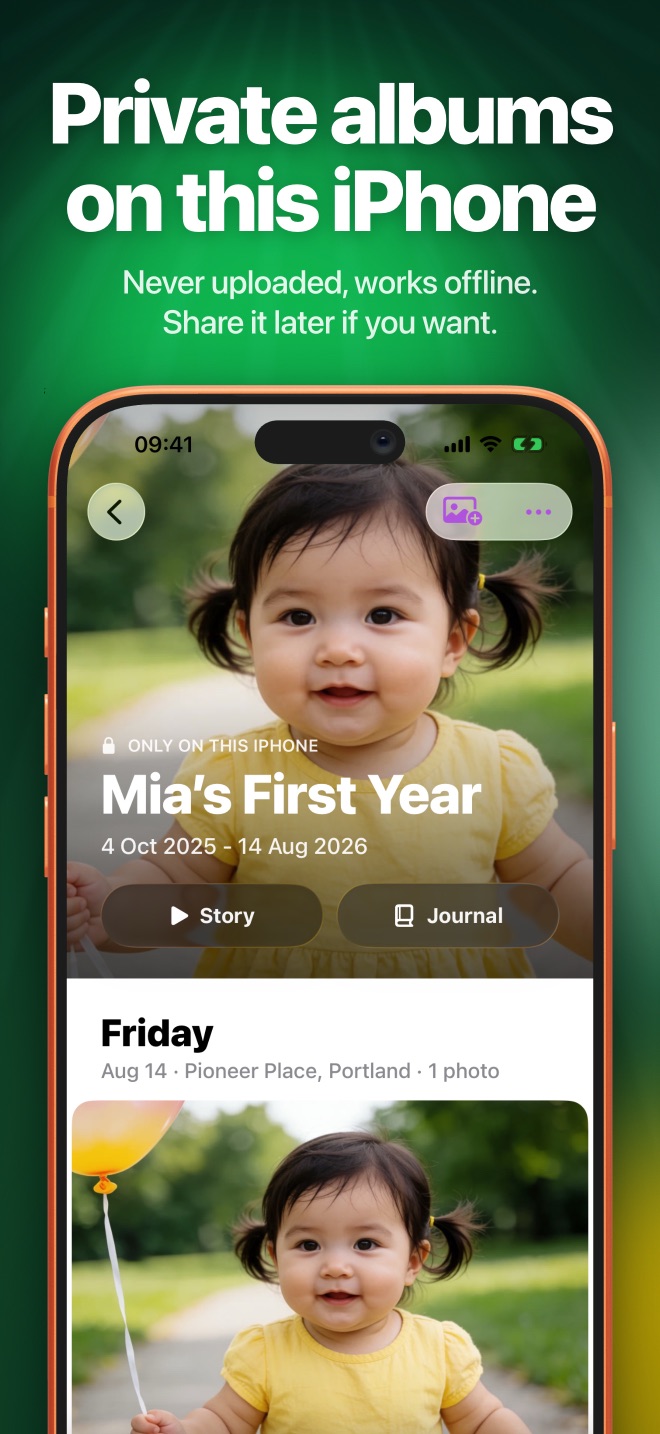
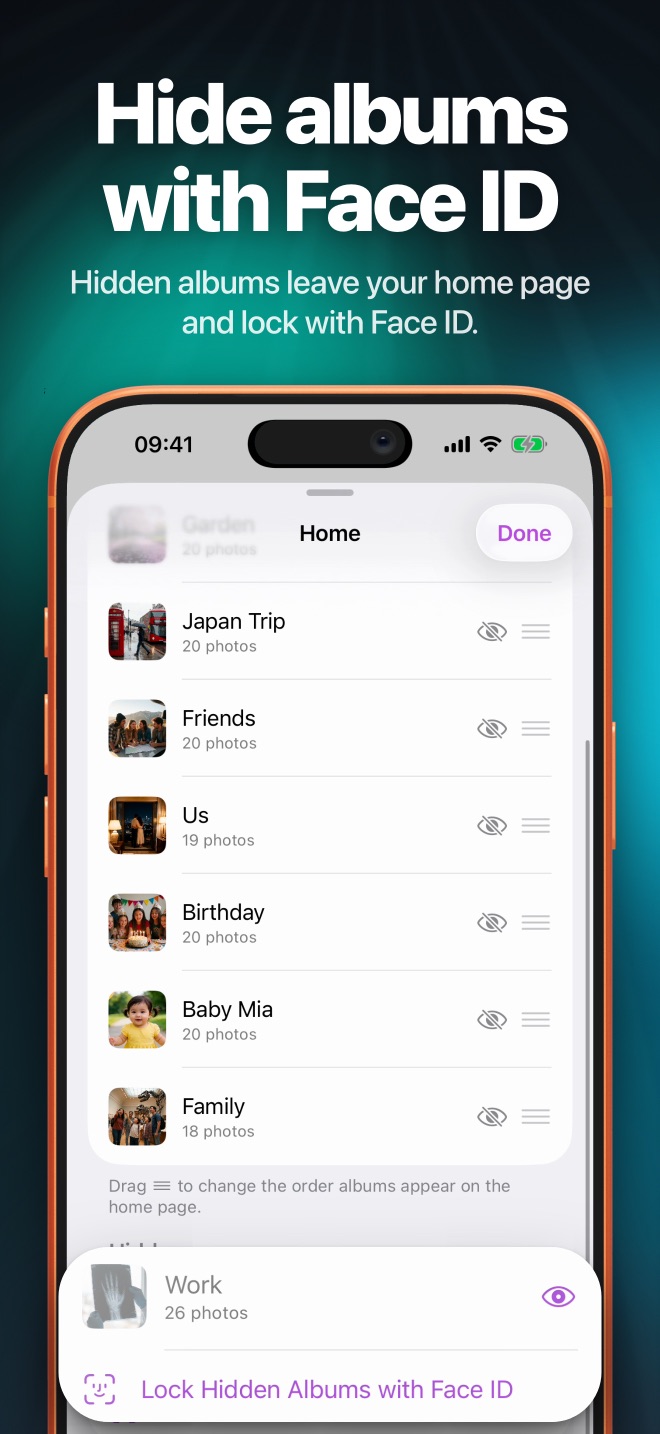
- Keeping some albums hidden, locked or on this iPhone only
Not made for
- Public feeds, followers or sharing with strangers
- Android or Windows: everyone needs an iPhone, iPad or Mac with iCloud
- Storing more than your iCloud plan has room for
- Editing photos: use Photos or your favourite editor, then share
Questions.
Where are my photos stored?
In your own iCloud. SyncAlbum has no servers of its own; albums move between devices through Apple's iCloud (CloudKit) only. orbitaar never receives your photos.
Is SyncAlbum free?
Yes. Your first 3 shared albums are free, and up to 10 friends can join each album free. Joining other people's albums and private albums never count. Unlimited Albums is a single one-time purchase, with no subscription.
How do I share an album?
Open the album, tap ••• and choose Share Album. Send the link or QR code. The person taps it and requests access, and you approve it from Join requests under the bell. See it step by step ›
Do the people I invite need SyncAlbum?
Yes. Everyone in an album uses SyncAlbum on an iPhone, iPad or Mac signed in to iCloud. Joining is free.
Are photos compressed?
No. SyncAlbum keeps full-resolution originals, including Live Photos, videos and HDR photos.
Can I hide an album?
Yes. Hide albums from your home screen and lock hidden albums with Face ID. You can also make private albums that never leave your iPhone.
Can I remove someone from an album?
Yes. The album owner decides who joins and can remove access at any time. Anything a person saved while they had access, such as a screenshot, stays with them.
Does SyncAlbum work on iPad and Mac?
Yes. SyncAlbum runs on iPhone and iPad with iOS 17.6 or later, and on Macs with Apple silicon. Your albums sync across them through iCloud.