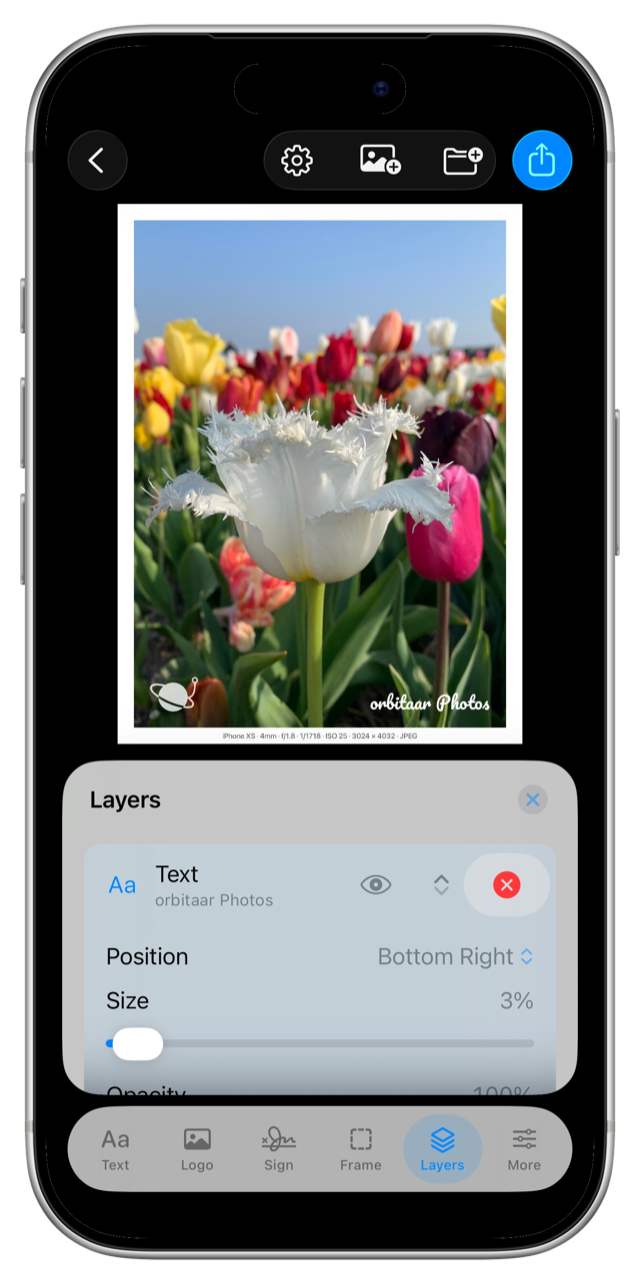

Text Watermarks
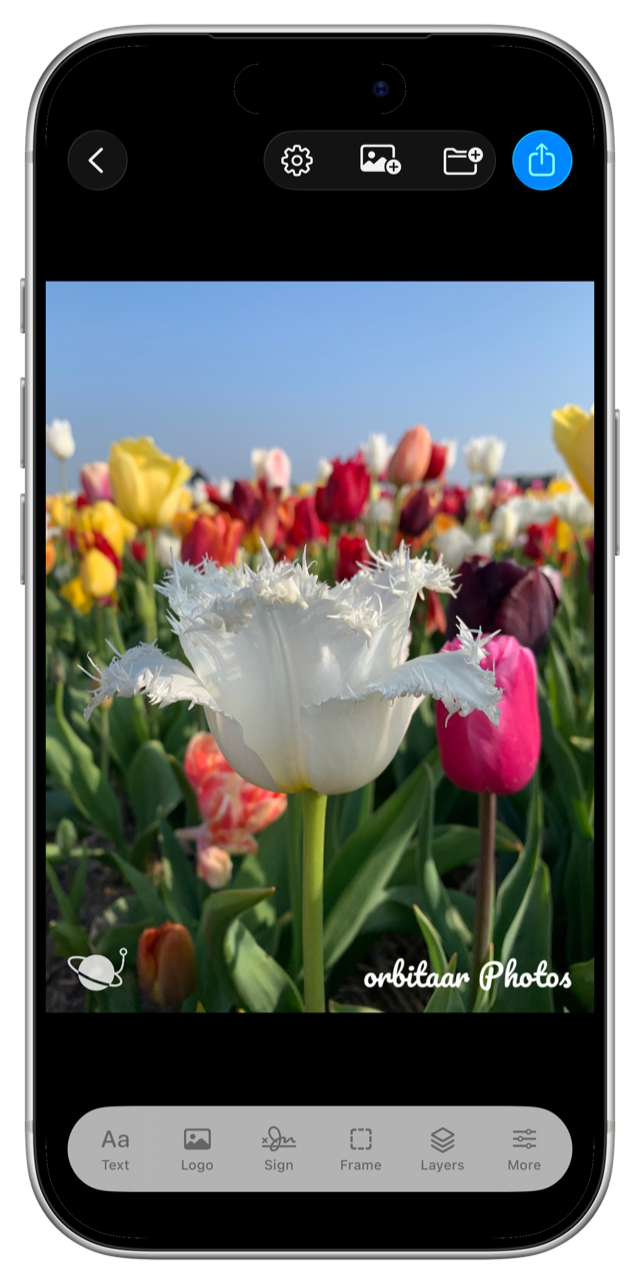
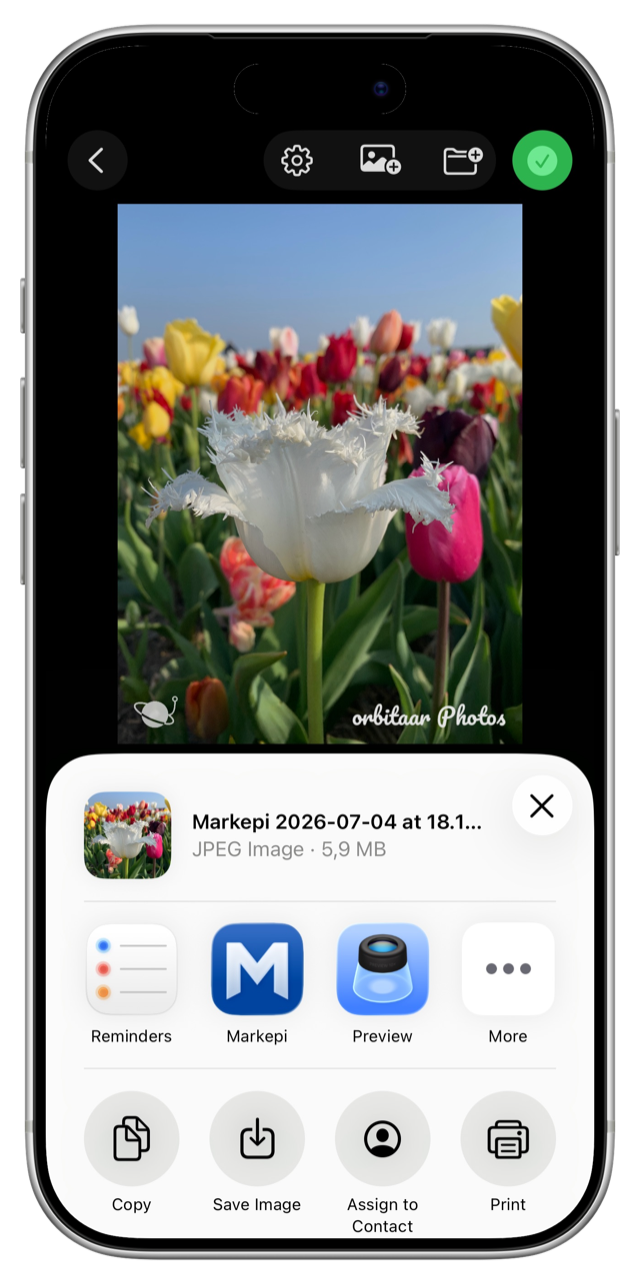
Add your name, brand, handle, or copyright line in a choice of typefaces, with full control over color, opacity, size, and position. Stack multiple text layers.
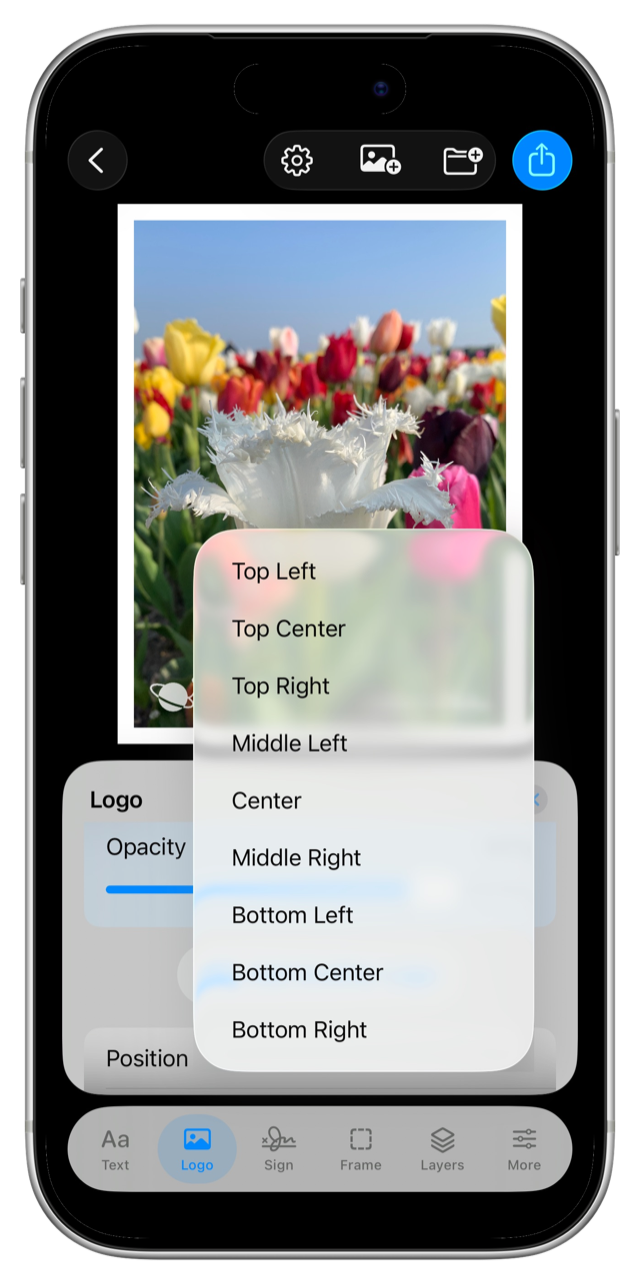
Logo / Image Watermarks
Drop in a PNG or image logo from Photos or Files. Add several logos, resize them, set transparency, and place them anywhere on the image.
Hand-Drawn Signatures
Sign your work with your finger or Apple Pencil on a real drawing canvas. Adjust ink color and stroke thickness for a personal touch a font can't replicate.
White Frame + Smart Captions
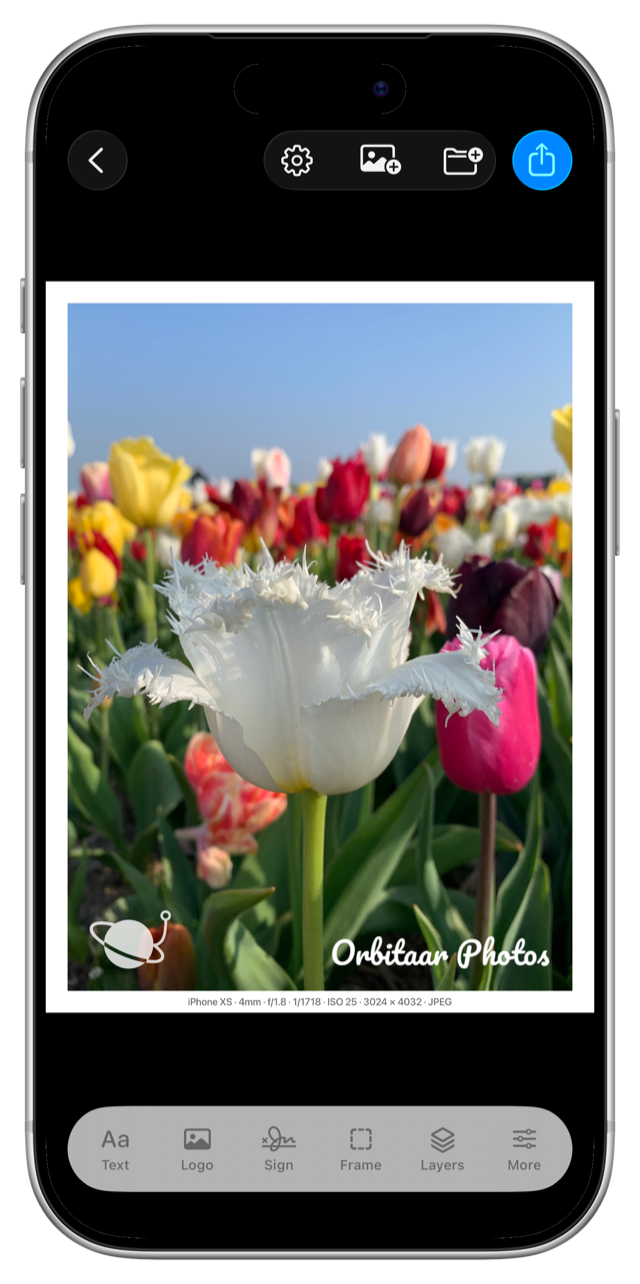
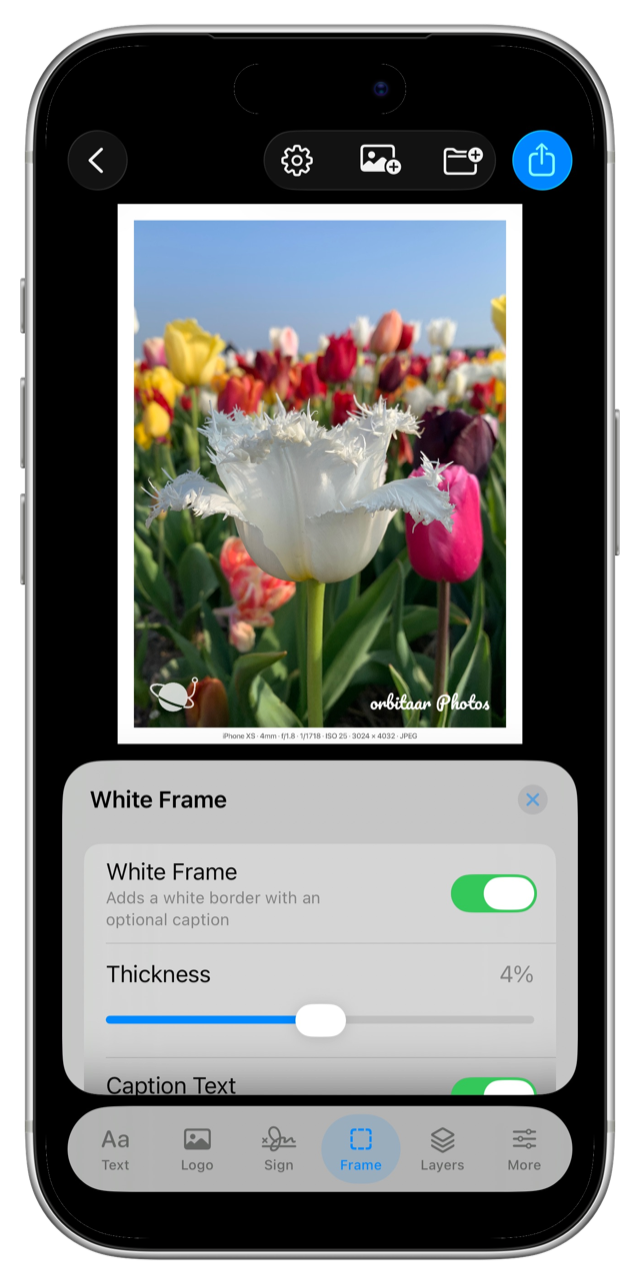
Add a clean gallery-style white border with an optional caption that auto-fills from your photo's EXIF data — camera, lens, aperture, shutter, ISO, date, and more. No typing required.
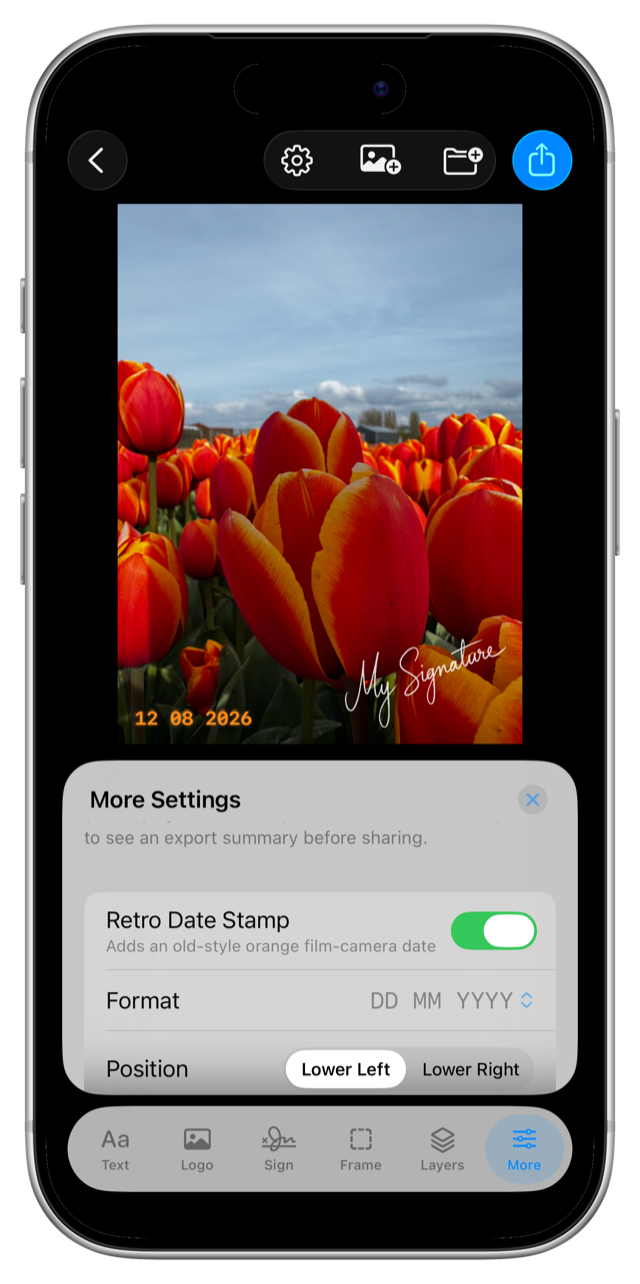
Retro Date Stamps
Burn a warm, glowing film-camera "databack" date into the corner of your photo, in six authentic formats — using the photo's real capture date.
Photos, Videos & Live Photos
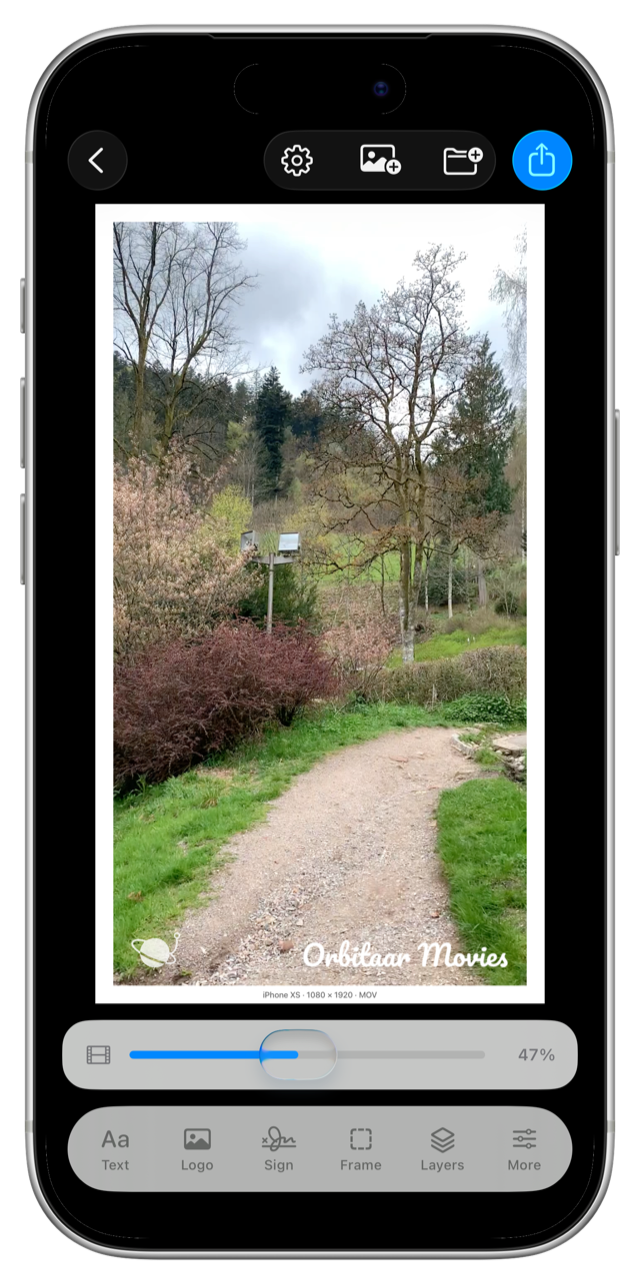
Watermark not just stills but full videos (with audio) and Live Photos (with motion). Very few watermark apps do all three.
HDR & Metadata Preservation
Your HDR gain map, GPS, capture date, camera info, and color profile all survive the watermark — where most apps flatten and strip them.
Batch Processing (up to 20)
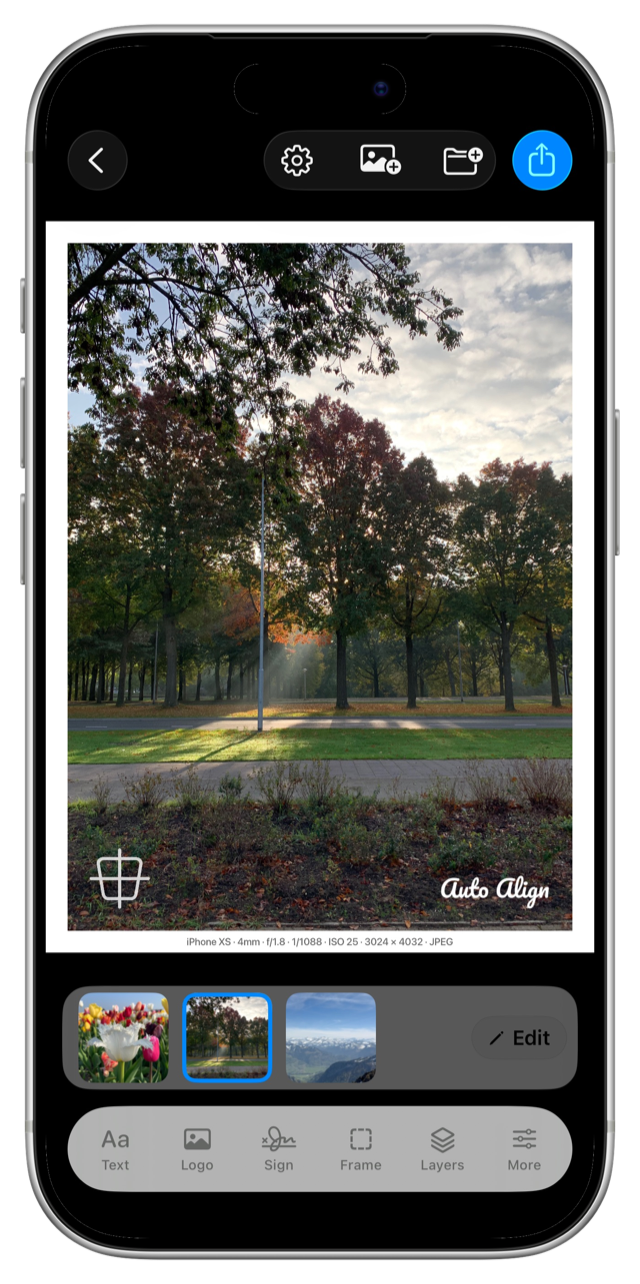
Apply one watermark configuration to a whole set at once — mixing photos, videos, and Live Photos — with per-photo overrides when a single image needs something different.
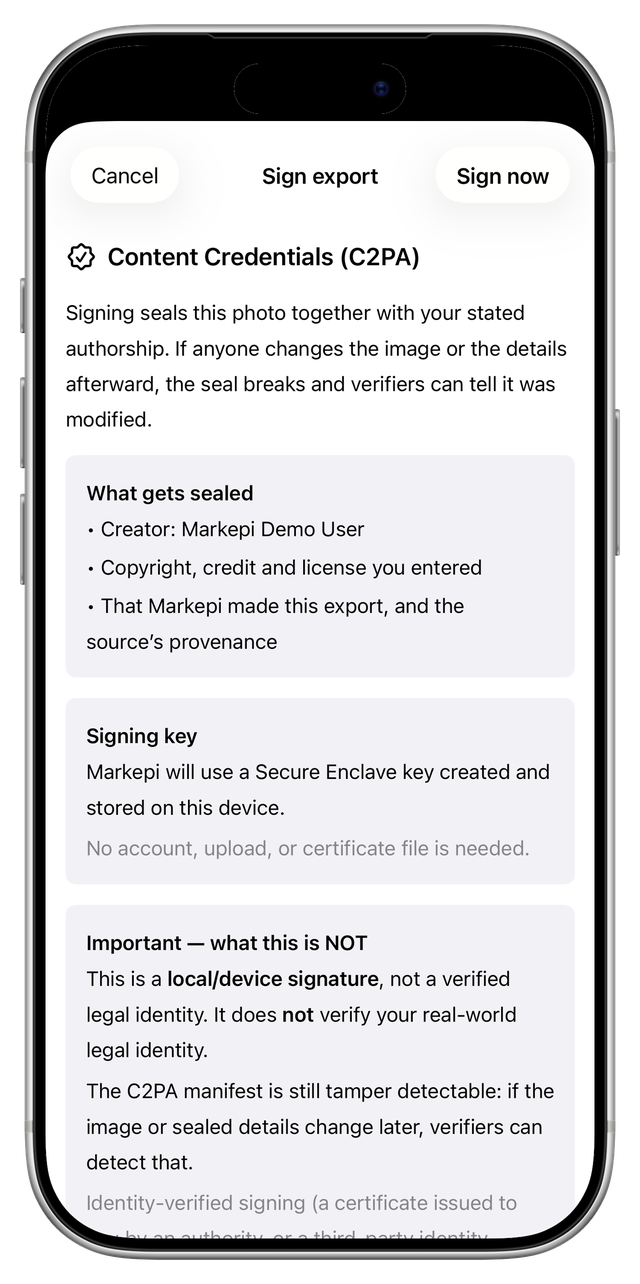
⭐ Content Credentials (C2PA) — the flagship
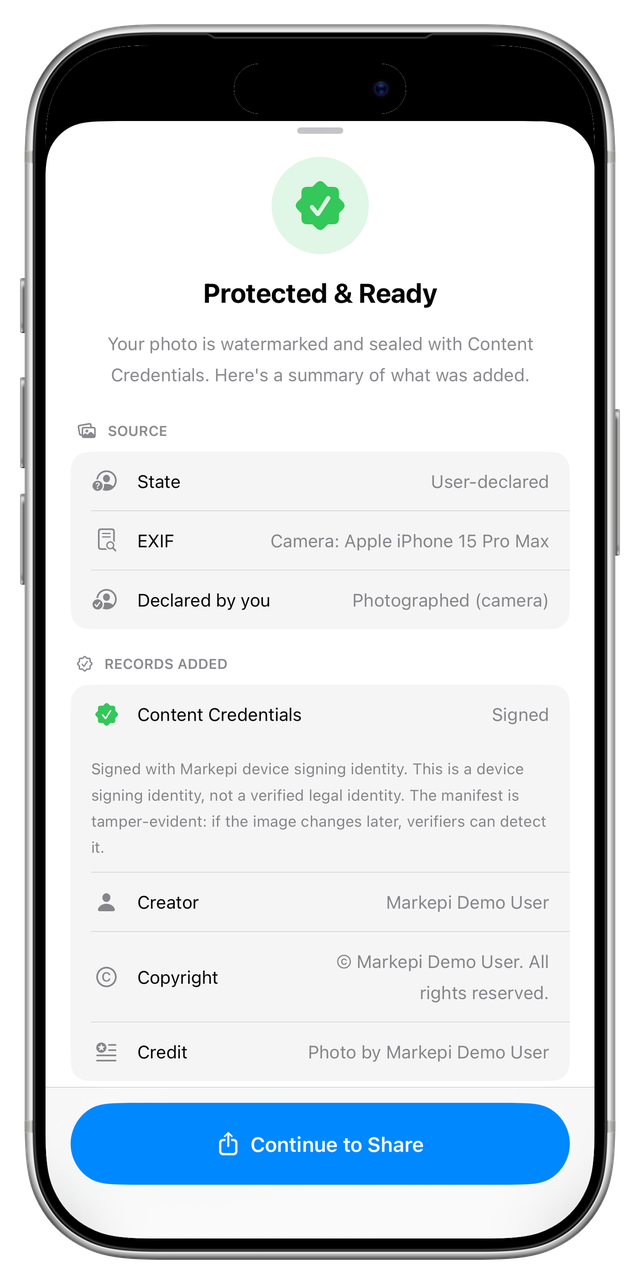
Cryptographically sign your photos on-device with a tamper-evident C2PA manifest — the open standard behind Adobe, the BBC, Sony, Nikon, and Leica. Embed IPTC rights metadata, declare honestly how the image was made, preserve any existing provenance as an ingredient, and get a plain-language Export Receipt — all with a key created on your device and held in the Secure Enclave where available. Learn more →